
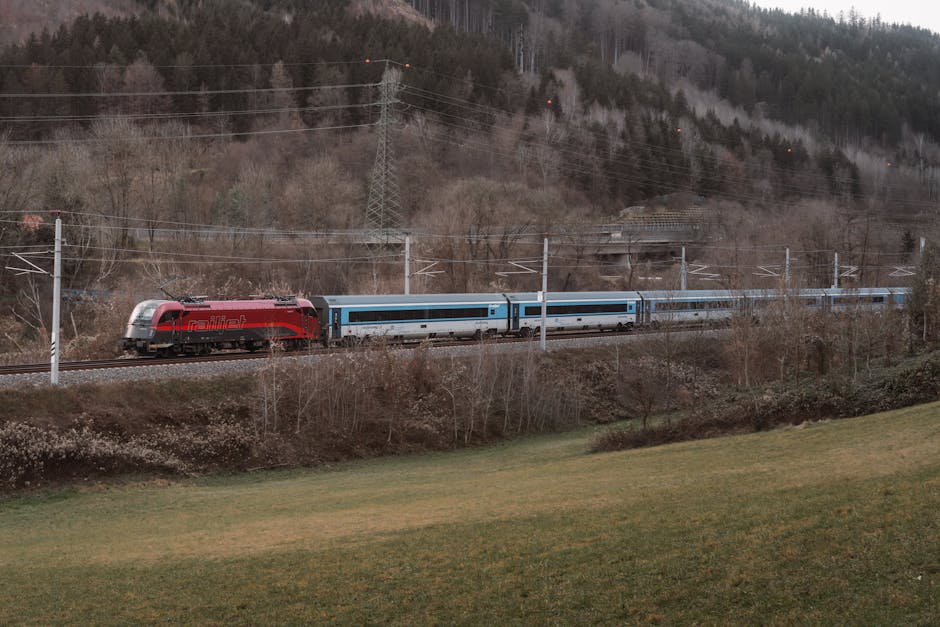
A high-resolution travel photography wallpaper serves as more than a digital decoration; it functions as a visual anchor for a workspace. For professionals spending eight to twelve hours daily in front of a monitor, the choice of imagery impacts cognitive load and psychological well-being. A cluttered or low-resolution image can introduce unnecessary visual noise, whereas a technically proficient landscape shot provides a sense of depth and perspective. Selecting the right wallpaper requires an understanding of pixel density, color profiles, and the specific requirements of modern high-DPI displays like Apple’s Retina or Dell’s UltraSharp series.
The transition from standard 1080p to 4K and 5K resolutions has fundamentally changed the criteria for what constitutes a high-quality background. Images that once appeared sharp now reveal compression artifacts or lack of detail when scaled. This guide examines the primary sources for professional-grade travel imagery, the technical specifications required for various devices, and the methodology for capturing your own wallpaper-ready photographs during international travel.
Sourcing High-Resolution Travel Wallpapers for Professional Displays
Finding a travel photography wallpaper that meets professional standards involves navigating beyond generic image search results. Most standard search engines serve compressed versions of images that lack the bit depth necessary for smooth gradients in skies or shadows. For those seeking the highest quality, curated platforms are the primary resource. These platforms often provide metadata, including the camera used and the exposure settings, which can be educational for aspiring photographers.
Unsplash and Pexels remain the industry leaders for high-quality, royalty-free travel imagery. These sites operate on a Creative Commons Zero (CC0) or similar license model, allowing for personal and often commercial use. The advantage of Unsplash is its community of professional photographers who contribute high-resolution files, often exceeding 20 megapixels. This resolution is critical for users with 4K monitors (3840 x 2160 pixels) who want to avoid the blurriness associated with upscaling. However, the ubiquity of these images means they may lack the exclusivity some users desire.
For more exclusive or technically superior imagery, premium stock sites like Adobe Stock or Stocksy offer curated collections. These platforms implement rigorous technical reviews, ensuring that every image is free from chromatic aberration, excessive noise, and focus errors. While these require a subscription or per-image fee, the quality of the RAW-to-JPEG conversion is typically superior. When sourcing from these sites, it is advisable to look for images with a wide dynamic range, as these translate better across various monitor brightness settings.
Comparison of Top Wallpaper Sources
| Platform | Average Resolution | License Type | Best For |
|---|---|---|---|
| Unsplash | 24MP+ | Custom Open License | General high-quality variety |
| Pexels | 18MP+ | CC0 / Pexels License | Quick searches, mobile vertical shots |
| Adobe Stock | 30MP+ | Commercial / Editorial | Technically perfect, high-bit depth |
| InterfaceLIFT | Up to 8K | Personal Use | Specific multi-monitor setups |
Technical Specifications for Desktop and Mobile Travel Wallpapers
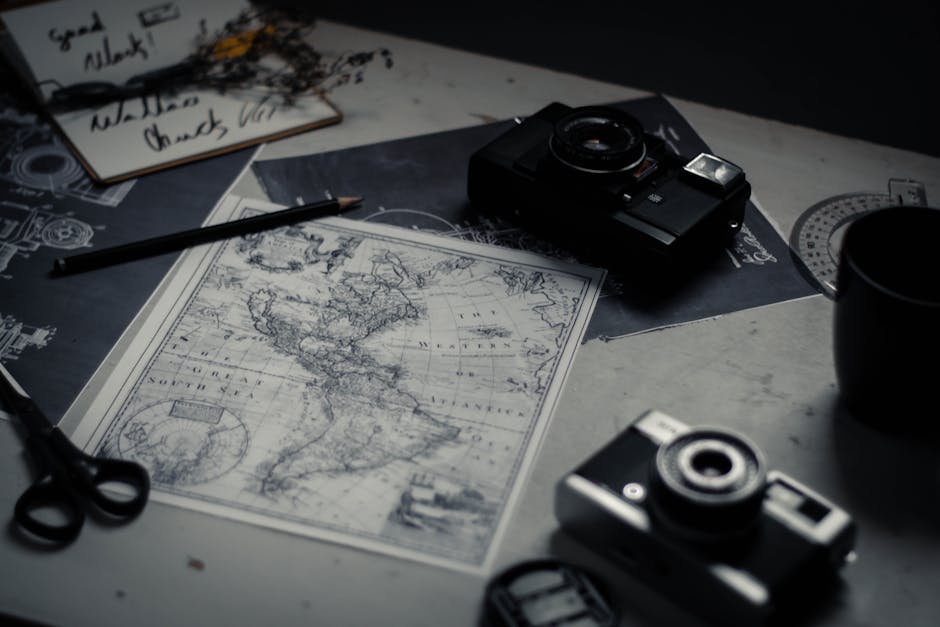
The effectiveness of a travel photography wallpaper is dictated by its alignment with the hardware’s native resolution. Using an image with a mismatched aspect ratio leads to either letterboxing (black bars) or aggressive cropping, which can ruin the composition of a landscape. Desktop monitors typically follow a 16:9 or 16:10 aspect ratio, while modern smartphones have moved toward taller 19.5:9 or 21:9 ratios. Understanding these figures is the first step in digital curation.
Pixel density, measured in Pixels Per Inch (PPI), is the second critical factor. A 27-inch 4K monitor has a PPI of approximately 163, whereas a 14-inch MacBook Pro with a Liquid Retina XDR display reaches 254 PPI. For an image to appear “retina sharp,” it must have enough native resolution to fill those pixels without interpolation. Professional travel photographers often export wallpapers at 300 DPI (Dots Per Inch) to ensure that even the finest details—such as the texture of a sand dune in the Sahara or the individual lights of a Tokyo skyline—remain crisp.
Color space is another technical hurdle. Most web-sourced images are in the sRGB color profile, which is the standard for the internet. However, high-end displays can often show a wider range of colors, such as those in the DCI-P3 or AdobeRGB gamuts. If you are using a professional-grade monitor, seeking wallpapers with an embedded P3 profile will result in more vibrant, true-to-life greens and reds, particularly in nature-heavy travel photography. This is especially noticeable in images of the Aurora Borealis or tropical ocean waters, where subtle gradations of color are easily lost in smaller color spaces.
Standard Resolution Requirements
- 4K UHD: 3840 x 2160 pixels (Standard for modern high-end monitors)
- 5K Retina: 5120 x 2880 pixels (Standard for iMac and Studio Display)
- iPhone 15 Pro Max: 1290 x 2796 pixels (Vertical orientation)
- Ultra-Wide: 3440 x 1440 pixels (21:9 aspect ratio)
Best Camera Equipment for Capturing Professional-Grade Wallpaper Images
For travelers who prefer to create their own custom wallpapers, the choice of equipment is paramount. While modern smartphones are capable of impressive results, they often fall short in terms of dynamic range and fine detail when viewed on a 32-inch monitor. A dedicated full-frame or medium-format camera provides the sensor size necessary to capture the nuances of light and shadow that make a wallpaper visually engaging over long periods of use.
The Sony A7R V is currently a leading choice for travel landscape photographers. With a 61-megapixel sensor, it captures an immense amount of data, allowing for significant cropping while still maintaining 4K resolution. This is particularly useful when the ideal composition for a desktop wallpaper (horizontal) needs to be extracted from a scene that was difficult to frame perfectly in the field. The inclusion of 8 stops of image stabilization also allows for sharp handheld shots in low-light environments, such as European cathedrals or twilight cityscapes.
Alternatively, the Nikon Z7 II offers a base ISO of 64, which is highly regarded for landscape work. This lower base ISO provides a cleaner image with more dynamic range in the highlights, making it easier to recover detail in bright skies without introducing noise. For those who prioritize portability without sacrificing too much quality, the Fujifilm X-T5 utilizes a 40-megapixel APS-C sensor that rivals many full-frame counterparts. Its smaller size and weight make it an excellent companion for long treks where every gram matters.
Recommended Hardware for Wallpaper Photography
| Model | Approx. Price | Pro | Con |
|---|---|---|---|
| Sony A7R V | $3,898 | Industry-leading 61MP resolution | Large file sizes require massive storage |
| Nikon Z7 II | $2,296 | Exceptional base ISO 64 for clean landscapes | Autofocus is slower than Sony counterparts |
| Fujifilm X-T5 | $1,699 | Compact body with high 40MP resolution | Smaller sensor has more noise at high ISO |
| DJI Mavic 3 Pro | $2,199 | Unique top-down perspectives | Strict legal regulations in many countries |
Post-Processing Techniques for Creating High-Impact Travel Backgrounds
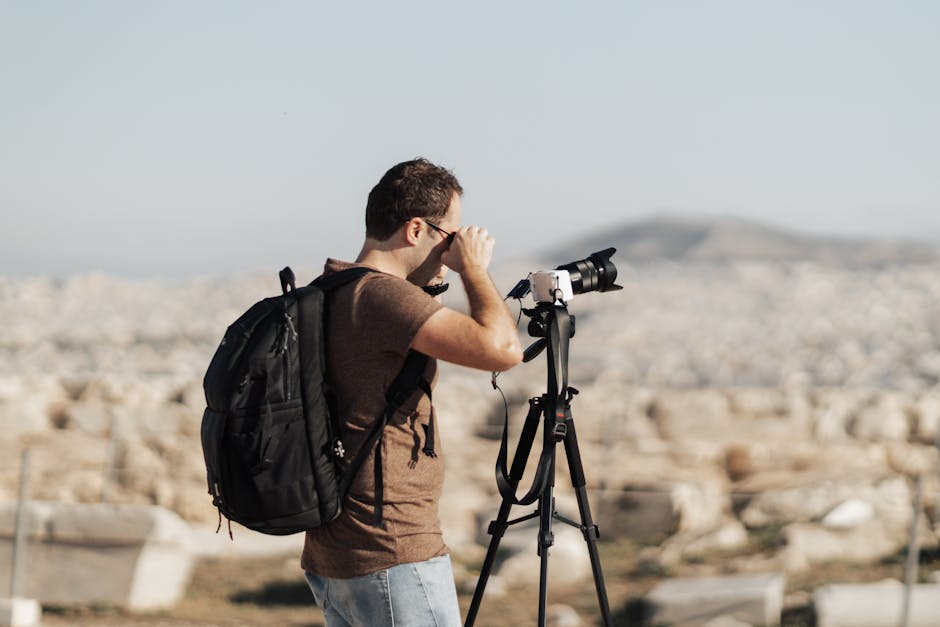
The requirements for a travel photography wallpaper differ significantly from those of a gallery print or a social media post. A wallpaper must be visually interesting but not so busy that it obscures desktop icons or distracts the user from their work. Post-processing in software like Adobe Lightroom or Capture One is where these adjustments are made. The goal is to create a balance between aesthetic appeal and functional utility.
One of the most effective techniques for wallpaper optimization is the strategic use of negative space. When editing a landscape shot, a photographer might choose to place the main subject—such as a lone mountain peak or a lighthouse—on one of the horizontal thirds, leaving the other two-thirds relatively simple. This “quiet” area of the image is where the user can place folders and shortcuts without visual conflict. Reducing the “Clarity” or “Texture” sliders slightly in these secondary areas can help the icons stand out more clearly.
Color grading also plays a vital role in how a wallpaper feels throughout the day. High-contrast images with deep blacks and vibrant oranges might look stunning at noon but can be eye-straining in a dark room at night. Many professionals prefer a more muted, “filmic” look for their backgrounds. This involves lifting the blacks in the tone curve to create a slightly faded effect and desaturating overly aggressive colors. This approach creates a more soothing digital environment that remains comfortable across different lighting conditions.
Successful wallpaper editing often requires a “less is more” philosophy. The most enduring backgrounds are those that provide a sense of place without demanding constant attention from the viewer’s eye.
- Crop for Aspect Ratio: Set your crop tool to 16:9 or 16:10 immediately to ensure the composition works for a monitor.
- Manage Distractions: Use the healing brush to remove sensor spots, stray trash, or distracting birds that might be mistaken for dirt on the screen.
- Luminance Masking: Use masking to slightly dim the sky if it is too bright, preventing it from washing out the top-level menu bars on macOS or Windows.
- Export Settings: Export as a high-quality JPEG or TIFF with the sRGB or P3 color profile, ensuring the quality slider is at 100% to minimize compression artifacts.
Top Global Destinations for High-Contrast Travel Photography
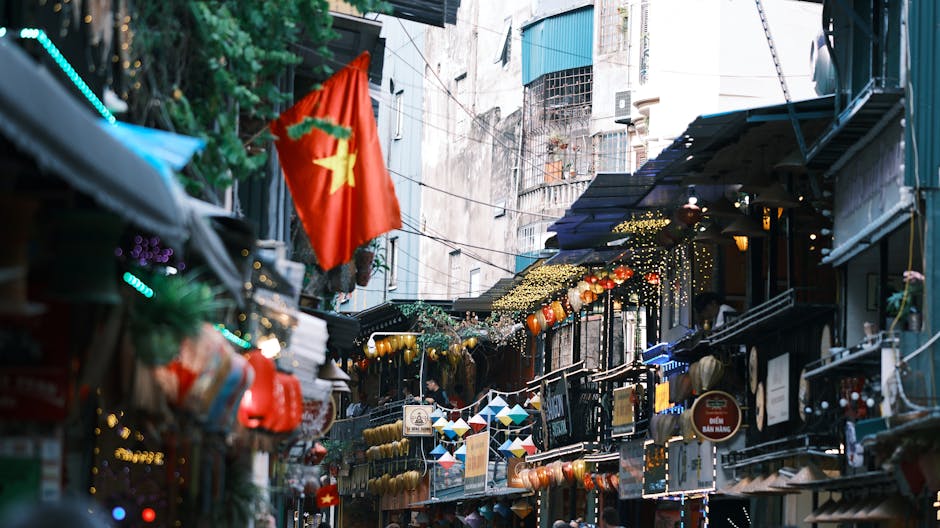
Certain geographic locations possess atmospheric qualities that naturally lend themselves to travel photography wallpaper. These areas often feature high-contrast landscapes, unique geological formations, or minimalist environments that require very little post-processing to look professional. For the traveler-photographer, targeting these destinations can yield a portfolio of backgrounds that remain relevant for years.
Iceland is arguably the most productive destination for this purpose. The combination of black volcanic sand and bright white glacial ice creates a natural high-contrast palette that looks exceptional on high-resolution displays. Locations like the Diamond Beach or the highlands offer minimalist compositions that fit the “negative space” requirement perfectly. The light in Iceland, especially during the shoulder seasons of autumn and spring, stays low on the horizon for hours, providing a long “golden hour” that is ideal for capturing soft, layered landscapes.
Namibia offers a completely different but equally compelling aesthetic. The Sossusvlei desert features some of the highest sand dunes in the world. At sunrise, the interplay of light and shadow creates sharp, geometric lines that appear almost abstract. An image of a red dune against a stark blue sky is a classic wallpaper choice because of its simplicity and bold color blocking. The lack of vegetation and human structures in these areas allows for extremely clean compositions that are difficult to find in more populated regions.
For those who prefer urban travel photography, Tokyo and Hong Kong provide a “cyberpunk” aesthetic that is popular for dark-mode desktop setups. The dense neon signage and complex architectural layers create a sense of depth that can make a monitor feel like a window into another world. In these environments, long-exposure photography is the preferred method, as it blurs moving traffic and pedestrians, leaving behind clean light trails and a sense of stillness amidst the chaos. This technique effectively removes the “busyness” of a city, making the image more suitable as a background.
Finally, the Dolomites in Italy provide a verticality that is unmatched for mobile wallpapers. The jagged limestone peaks often rise abruptly from flat alpine meadows, providing a perfect subject for the 9:16 aspect ratio of a smartphone. Whether captured in the morning mist or the alpenglow of sunset, these mountains provide a sense of scale and grandeur that serves as a powerful daily reminder of the world beyond the screen.