

Everyone lands in Canggu, pays $1,200 for a villa with pool, and complains about traffic. That’s not a remote work setup. That’s a vacation with a laptop. If you actually need to ship work, your location, internet backup, and visa matter more than the infinity pool.
I’ve spent months working from Bali. This guide covers the setup that survives power outages, video calls, and the island’s terrible sidewalks. No affiliate links. Just what works.
The Real Cost of Working From Bali in 2026
Forget the “$500 a month paradise” posts. Those numbers are either old or from someone eating nasi goreng three times a day and living in a windowless room. A functional remote work setup costs more.
Here’s a realistic monthly budget for one person working seriously:
| Expense | Budget Option | Comfortable Option | Notes |
|---|---|---|---|
| Accommodation | $400–$600 | $800–$1,400 | Monthly rental, not Airbnb nightly rates |
| Coworking space | $100–$150 | $200–$300 | Hot desk vs. dedicated desk |
| Internet backup (4G/5G) | $20 | $40 | Telkomsel or XL prepaid SIM |
| Food | $250 | $500 | Local warungs vs. cafes |
| Scooter rental | $60 | $90 | Monthly rate, not daily |
| Visa (amortized) | $100 | $250 | Depends on visa type and agent fees |
| Total | $930 | $2,580 | Excludes flights and insurance |
The budget option works if you’re disciplined. The comfortable option is what most people actually spend. Budget $1,500–$2,000 per month if you want a private apartment, decent coworking, and meals that aren’t all rice.
Visa Reality Check
The B211A tourist visa gives you 60 days, extendable twice for 180 days total. You cannot legally work on it. The new remote work visa (E33G) exists but requires proof of $60,000 annual income and has tax implications. Most nomads still use the B211A and keep quiet. Know the risk.
Ubud vs. Canggu vs. Uluwatu: Pick Based on Your Work Type
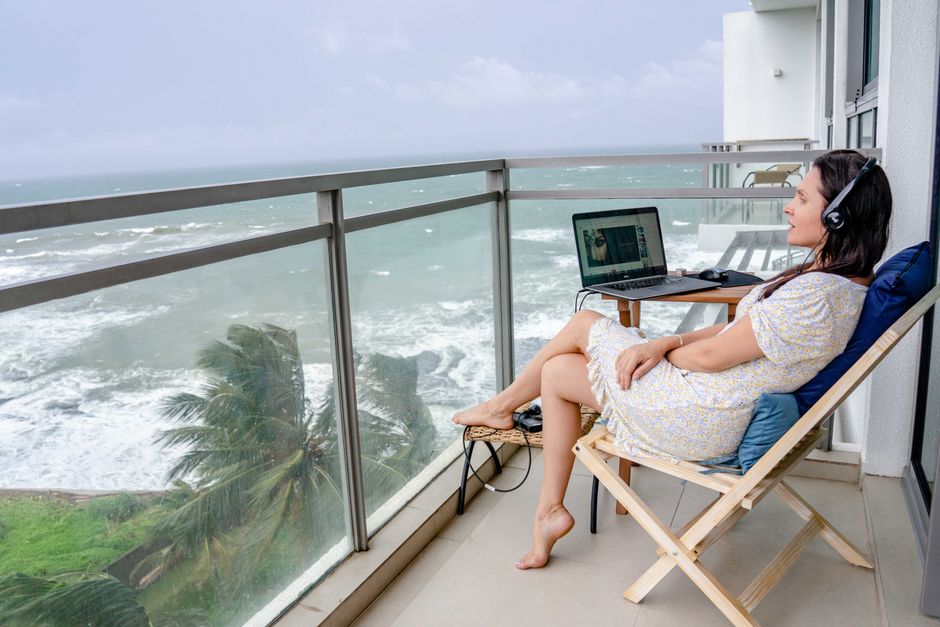
Canggu is the worst place for focused work. The traffic, noise, and constant social scene eat your output. Here’s the honest breakdown:
- Ubud — Best for deep work. Quieter, greener, cheaper. Internet is decent in the center. Downside: far from beaches, gets touristy near the monkey forest. Best coworking: Outpost Ubud ($120/month hot desk).
- Canggu — Best for networking and nightlife. Worst for focus. Traffic is genuinely bad now. Coworking: Tropical Nomad ($150/month) or Dojo ($180/month). Only pick this if your work is meetings-heavy and you need to be seen.
- Uluwatu — Best for surfers who work. Growing coworking scene. Fewer restaurants, more spread out. You need a scooter, period. Coworking: The Space Bali ($100/month).
- Sanur — Underrated. Calm, beachside, good cafes, older crowd. Great if you want quiet without Ubud’s humidity. Coworking options are thinner but cafes like Kopi Kios work.
My pick: Ubud for the first month. Get your rhythm, then decide if you want to move. Most people who start in Canggu never leave, and their output shows it.
Internet Backup: Your Coworking Wi-Fi Will Fail
It’s not a question of if. It’s when. Bali’s power grid and fiber infrastructure are better than five years ago, but rainstorms, ceremonial events, and random outages still happen. If you have a client call at 3pm, you need a fallback.
What Actually Works
Buy a Telkomsel prepaid SIM at the airport or a Grapari store. Get the 100GB package for around 150,000 IDR ($10). Use your phone as a hotspot. It’s not blazing fast, but it’s reliable enough for video calls at 720p.
For a dedicated hotspot, the TP-Link M7350 ($45) takes a SIM card and broadcasts Wi-Fi to all your devices. Better battery than your phone and doesn’t interrupt calls when your phone rings.
XL Axiata is the second option. Coverage is slightly worse in Ubud’s outskirts but better in some Uluwatu spots. Test both in your first week. One will be clearly better at your specific location.
Do not rely on your villa’s “high-speed fiber” claim. Ask for a speed test screenshot before booking. If they can’t provide one, move on.
Power and Gear: What Breaks First
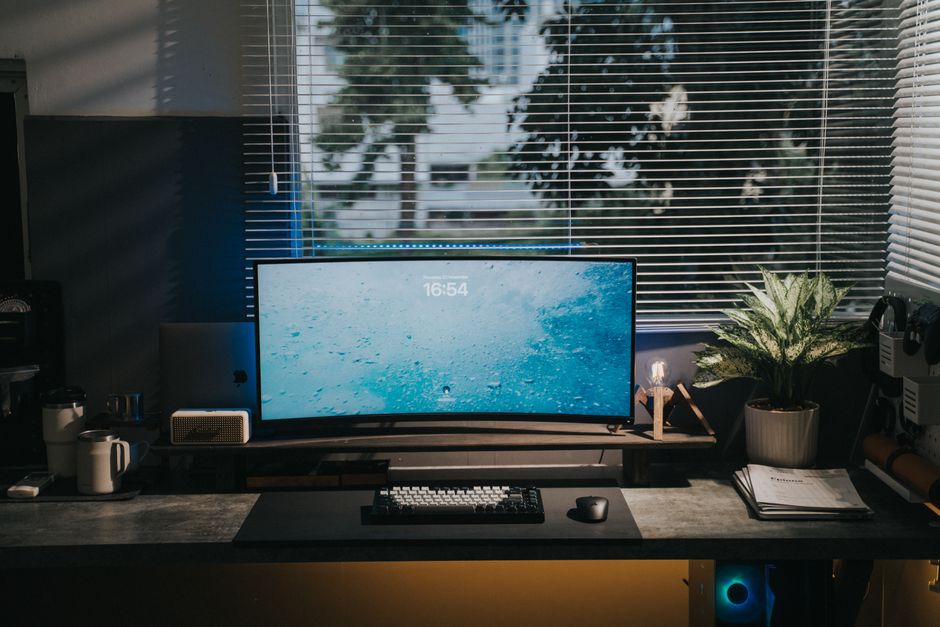
Bali’s voltage is 230V with Type C/F plugs (the two round pins). Most modern laptop chargers handle 100–240V automatically. Check yours. If it says only 110V, you’ll fry it.
Power cuts happen. A small UPS is overkill for a laptop, but a 20,000mAh power bank that can charge your laptop via USB-C PD is essential. The Anker 737 Power Bank ($100) will give a MacBook Air one full charge. That’s enough to finish a call or save work during an outage.
Surge protectors matter. Indonesian wiring can be sketchy in older villas. A basic Belkin surge protector ($25) is cheap insurance for a $2,000 laptop.
When NOT to Set Up in Bali

Bali is not a good remote work base if:
- You need guaranteed sub-50ms latency for trading, gaming, or real-time collaboration. The best fiber connections get 60–80ms to Singapore, 150ms to the US.
- You can’t handle humidity. Your laptop will survive. Your focus might not. The wet season (November–March) is brutal.
- You need a proper office setup. Ergonomic chairs, standing desks, and monitor arms are hard to find and expensive to ship. If you need a dual-monitor setup, bring a portable monitor like the ASUS ZenScreen MB16AC ($200).
- You’re easily distracted by social scenes. Bali is a party island for many. If you know you’ll choose the beach over the deadline, go to Chiang Mai or Da Nang instead. Cheaper and fewer temptations.
For most other remote workers, Bali works. But only if you treat it like a workplace, not a vacation that happens to have Wi-Fi.
The bottom line: Start in Ubud. Get a Telkomsel SIM on day one. Book a coworking space for the first week to test internet before committing to a villa. Budget $1,500/month minimum. If you need blazing internet or a full desk setup, pick a different country.